
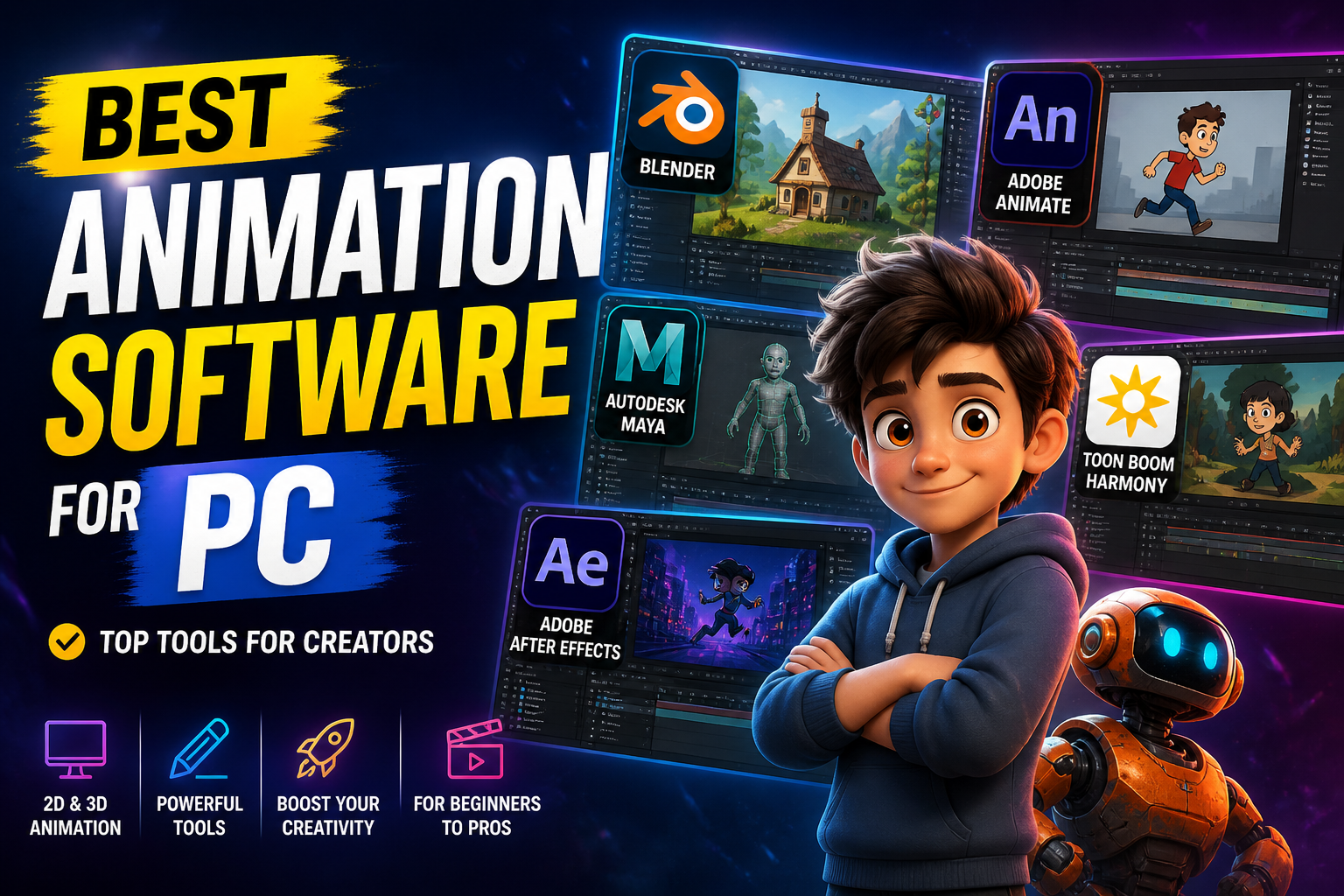
Animation software has become an essential tool for designers, content creators, filmmakers, and game developers. Whether you are creating 2D cartoons, 3D animations, motion graphics, or visual effects, the right software can significantly improve your creative workflow and output quality.
With advancements in technology, modern animation tools now include powerful features such as real-time rendering, AI-assisted animation, simulation tools, and cross-platform compatibility. From beginner-friendly tools to industry-standard software, there are many options available for PC users.
In this guide, we explore the best animation software for PC in 2026 along with their features and ideal use cases.
What Is Animation Software?
Animation software is a digital tool used to create moving visuals by combining images, models, or frames. It allows users to design characters, create scenes, animate objects, and render final outputs for videos, films, games, and online content.
These tools can be divided into 2D animation software, 3D animation software, and motion graphics tools depending on the type of animation you want to create.
Top 5 Animation Software for PC
1.Blender
Blender is one of the most popular free and open-source animation tools available for PC. It supports 3D modeling, animation, rendering, compositing, and even video editing in one platform. It is widely used by beginners and professionals alike due to its powerful features and active community.
Key features
3D modeling and animation
Rendering and simulation tools
Video editing and compositing
Free and open source
Cross-platform support
Best for beginners, students, and professionals looking for a free all-in-one tool
2. Autodesk Maya
Autodesk Maya is an industry-standard software used in film, television, and game development. It is known for its advanced 3D animation, simulation, and rigging capabilities.
Key features
Advanced character animation
3D modeling and rendering
Simulation and effects
Industry-standard tools
Highly customizable
Best for professionals, studios, and advanced users
3. Adobe After Effects
Adobe After Effects is widely used for motion graphics, visual effects, and compositing. It is commonly used in video production, advertising, and digital media.
Key features
Motion graphics and VFX
Animation for videos
Integration with Adobe tools
Layer-based editing
Advanced effects and transitions
Best for motion designers and video editors
4. Toon Boom Harmony
Toon Boom Harmony is a professional 2D animation software used in the animation industry for creating cartoons and animated series.
Key features
Advanced 2D animation tools
Rigging and character animation
Vector and bitmap support
Timeline and node-based workflow
Industry-grade production tools
Best for professional 2D animators and studios
5. Cinema 4D
Cinema 4D is a powerful 3D animation software known for its ease of use and strong motion graphics capabilities. It is widely used in advertising and design industries.
Key features
3D modeling and animation
MoGraph tools for motion graphics
High-quality rendering
User-friendly interface
Integration with other tools
Best for designers and motion graphics artists
Free Animation Software Options
If you are just starting, there are several free tools available:
Pencil2D – Lightweight and beginner-friendly 2D animation tool
OpenToonz – Advanced open-source software used in professional animation
Krita – Digital painting tool with animation features
These tools are ideal for learning animation without investing in expensive software.
How to Choose the Right Animation Software
Choosing the right animation software depends on your goals and experience level.
Beginners should start with simple and free tools like Blender or Pencil2D. Professionals working in film or gaming may require advanced tools like Maya or Cinema 4D. For motion graphics and video editing, After Effects is one of the best choices.
You should also consider your PC performance, budget, and the type of animation you want to create before making a decision.
Final Thoughts
Animation software for PC has evolved significantly, offering powerful tools for creators at every level. Whether you are creating simple 2D animations or complex 3D scenes, there is a software solution that fits your needs.
Blender remains one of the best free options, while tools like Maya and Cinema 4D dominate professional workflows. Adobe After Effects is ideal for motion graphics, and Toon Boom Harmony excels in 2D animation.
By selecting the right software based on your goals and skill level, you can create high-quality animations and build strong creative projects in 2026.
If you want next, I can create a comparison table, “best free animation software,” or beginner vs professional guide for your site.
Leave a Reply