
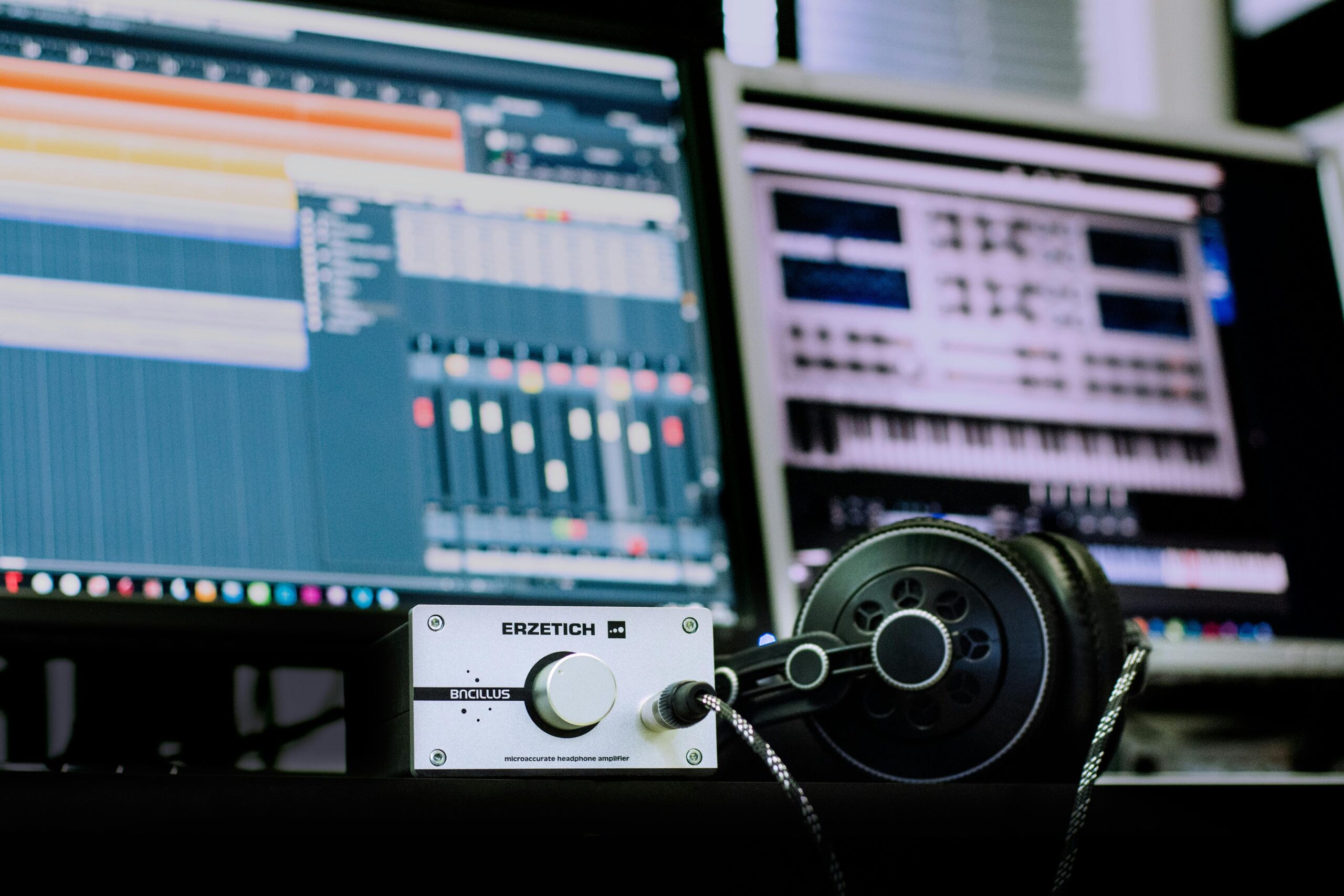
Audio editing software is essential for anyone working with sound, including podcasters, musicians, video producers, voice-over artists, and content creators. The right software helps you record, edit, mix, and enhance audio with clarity and precision. In 2026, there are strong options available for beginners, hobbyists, and professionals—many with advanced effects, multi-track support, and AI-assisted tools.
This article covers the best audio editing software in 2026, what makes them stand out, and how to choose the right one for your needs.
What to Consider Before Choosing Audio Editing Software
Before reviewing specific tools, it’s important to understand key features that matter:
Editing and trimming
Look for precise cut, trim, fade, and crossfade tools.
Multi-track support
Essential for music production and complex audio projects.
Effects and plugins
Built-in effects like EQ, compression, reverb, and support for VST/AU plugins.
Noise reduction and restoration
Useful for improving the quality of recordings.
Ease of use
Beginners benefit from simple interfaces; professionals need advanced control.
Platform compatibility
Check if the software runs on Windows, macOS, or Linux.
Export formats
Support for WAV, MP3, AAC, and other common audio formats.
Best Audio Editing Software in 2026
- Audacity
Audacity remains one of the most popular free audio editors. It is open-source, cross-platform, and widely used for basic to intermediate audio editing tasks.
Key features
• Multi-track editing
• Noise reduction tools
• Built-in effects (EQ, reverb, compression)
• Support for WAV, MP3, and other formats
Best for
Beginners, podcasters, basic audio editing
Why it stands out
Audacity’s strength is that it offers powerful tools at no cost, making it ideal for users who need essential features without investing in expensive software.
- Adobe Audition
Adobe Audition is a professional-grade audio editing suite used by broadcasters, video producers, and sound designers.
Key features
• Multi-track mixing
• Advanced noise reduction
• Spectral frequency editing
• Seamless integration with Adobe Creative Cloud
Best for
Professionals, podcasters, video post-production
Why it stands out
Adobe Audition’s deep feature set and integration with Creative Cloud make it a top choice for professionals working on complex audio and video projects.
- FL Studio
FL Studio is a powerful digital audio workstation (DAW) with a strong focus on music production and beat making.
Key features
• Piano roll and step sequencer
• Virtual instruments and synthesizers
• Mixer with effects racks
• Plugin support
Best for
Music producers, beat makers, electronic musicians
Why it stands out
FL Studio’s workflow, instruments, and editing tools make it especially suitable for music creation and professional production.
- Reaper
Reaper is a flexible and affordable DAW with a rich feature set that appeals to both hobbyists and professionals. It can handle multi-track recording, podcast editing, and full music production.
Key features
• Customizable interface
• Multi-track editing and mixing
• Plugin support (VST, AU)
• Lightweight and fast
Best for
Intermediate to advanced users, home studios
Why it stands out
Reaper offers professional-level features at a lower cost than many competitors, with a highly customizable interface.
- Logic Pro
Logic Pro is a full-featured DAW by Apple, designed for music production, sound design, and audio post-production.
Key features
• Advanced mixing and mastering tools
• Extensive library of instruments and loops
• Multi-track recording
• Smart tempo and beat-matching
Best for
Mac users, professional musicians, studio production
Why it stands out
Logic Pro is widely used in the music industry for composition, production, and mixing, especially on macOS.
- GarageBand
GarageBand is Apple’s free audio editor and DAW for macOS and iOS. It is a beginner-friendly tool with enough features to produce high-quality audio.
Key features
• User-friendly interface
• Built-in instruments and loops
• Multi-track editing
• Podcast presets
Best for
Beginners, hobby musicians, macOS/iOS users
Why it stands out
GarageBand provides a simple entry point to audio editing and music production, especially for Apple ecosystem users.
- Ableton Live
Ableton Live is a professional tool popular among electronic musicians, DJs, and live performers. Its workflow supports both studio production and real-time performance.
Key features
• Session view for live performance
• Clip-based workflow
• Advanced audio effects
• Integration with controllers
Best for
Electronic music producers, live performers
Why it stands out
Ableton Live’s innovative workflow and performance capabilities make it unique among audio editing and music production tools.
How to Choose the Best Audio Editing Software
Selecting the best audio software depends on your goals:
Beginners and podcasters
Choose user-friendly tools like Audacity or GarageBand for simple recording and editing.
Music producers
DAWs like FL Studio, Logic Pro, and Ableton Live provide deep music creation features.
Video editors and post-production
Adobe Audition and Reaper offer strong editing, cleanup, and mixing tools.
Compatibility and workflow
Consider whether you work on Windows, macOS, or both, and choose software that fits your typical workflow.
Budget
Free tools like Audacity and GarageBand provide strong foundations, while professional tools like Adobe Audition and Logic Pro offer advanced capabilities at a cost.
Conclusion
The audio editing software landscape in 2026 offers options for every skill level and need. From free and beginner-friendly tools like Audacity and GarageBand to professional suites like Adobe Audition and Logic Pro, users have access to powerful editing and production environments.
Choosing the right software depends on your specific goals, whether recording podcasts, creating music, editing soundtracks, or mixing professional audio. Evaluating features, ease of use, platform support, and budget will help you make a decision that supports your projects and creative goals.
Leave a Reply